
03 / 05 · For landlords and property owners
Rental Tax Management
Manage rental income and tax.
Your properties, rent and costs all year, with your rental income for tax and your HK-4 worked out. See which rent is in, which is late, and which costs count.
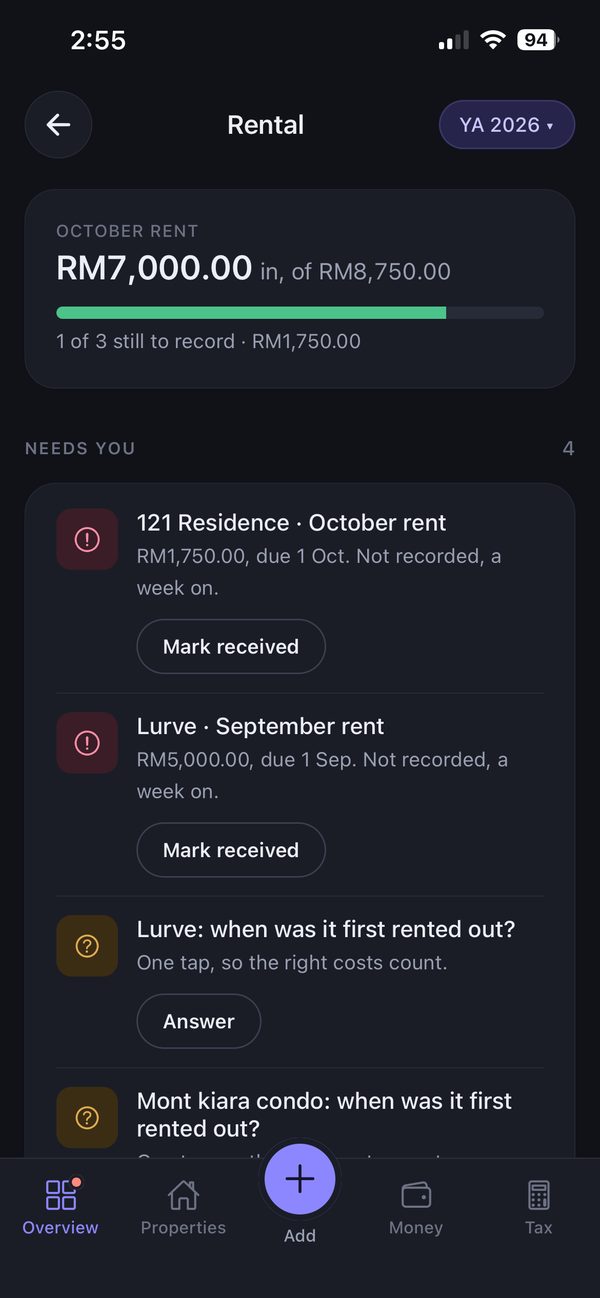
How it works
Three steps, shown in the real app.
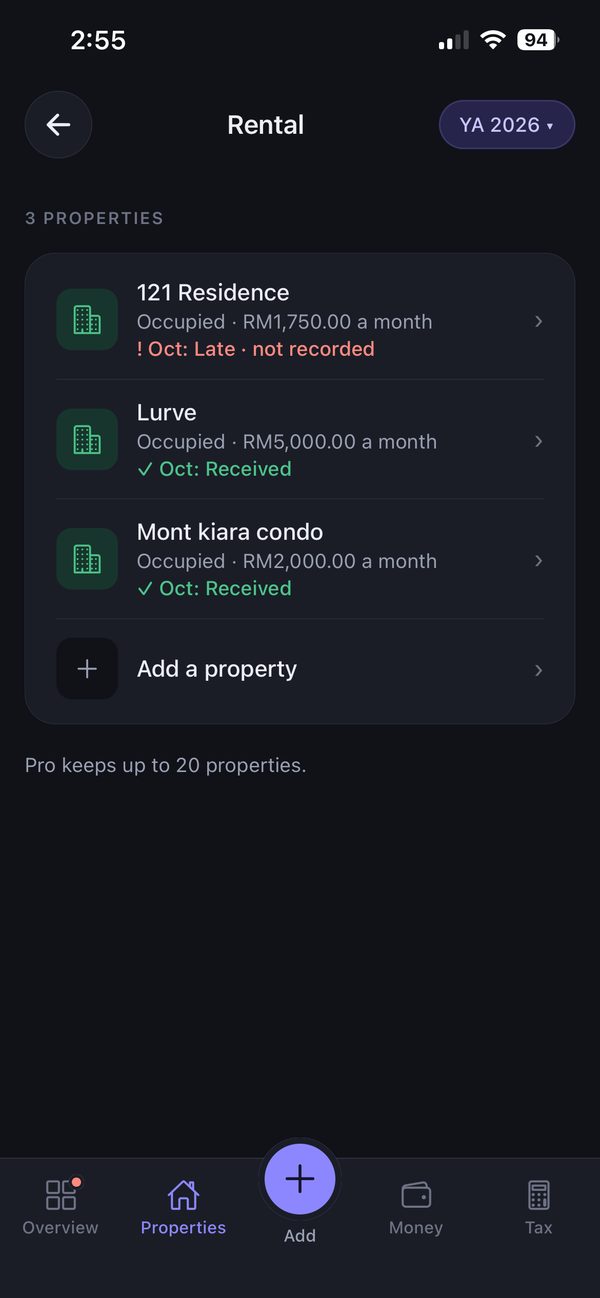
Add your properties
Each property with its monthly rent, and this month’s status at a glance.
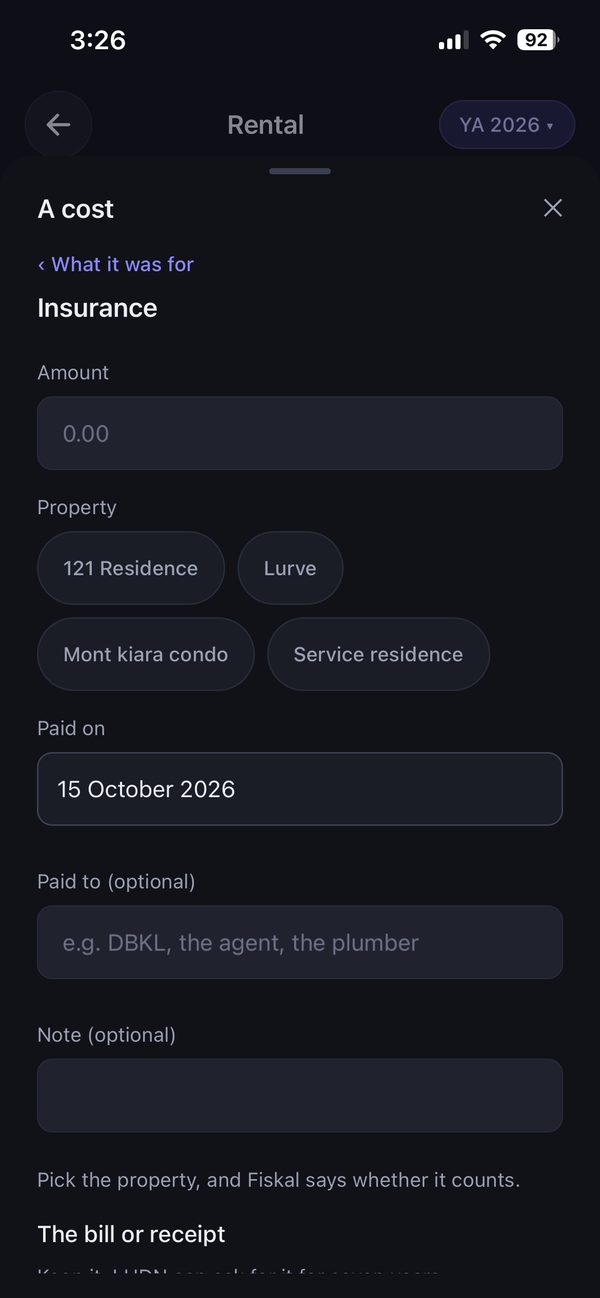
Record rent and costs
Mark rent received or add a cost — pick the property, and Fiskal says whether it counts.
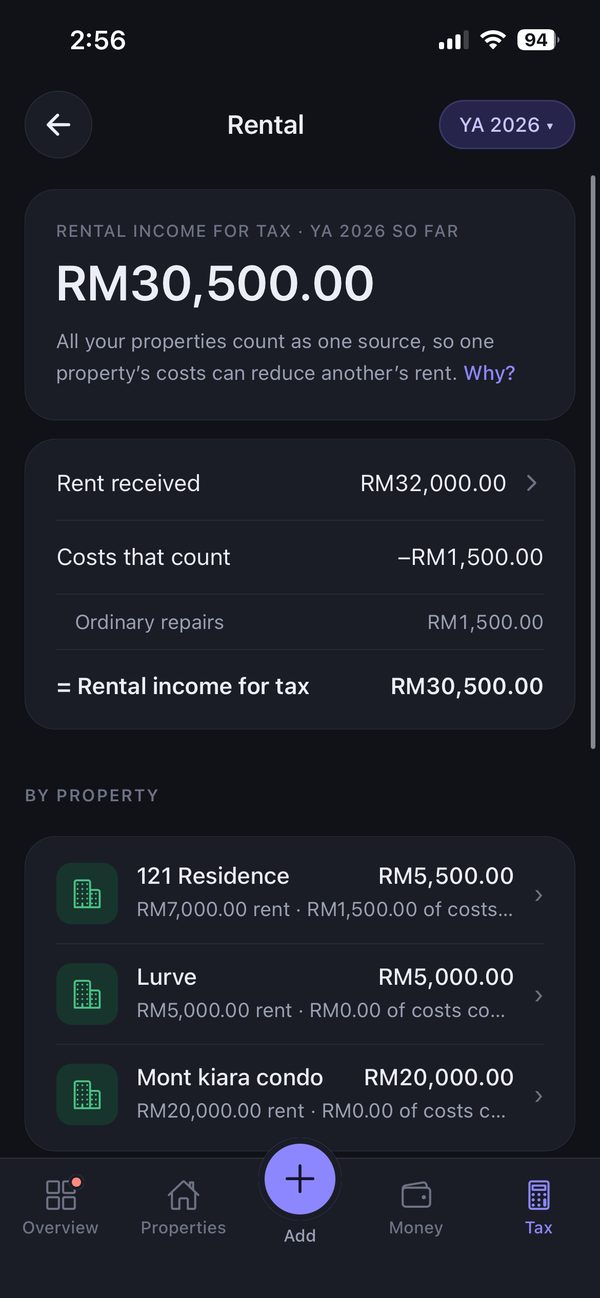
Get your rental income for tax
Rent minus the costs that count, property by property — with the HK-4 working sheet ready.
What Fiskal does
- Shows late rent, with one tap to mark it received
- Tells you which costs count, property by property
- Holds back costs that aren’t yet confirmed on LHDN’s list
- Works out the HK-4 working sheet
What you still do yourself
- Record rent and costs as they happen
- Keep the bills and receipts
- Submit your return on MyTax yourself
On each plan
Free & Standard
- Try it free: 1 property and 5 records.
Pro · RM99.90 / year
- Rental in full: up to 20 properties, rent and costs all year, your rental tax worked out and your HK-4 working
Download free. Standard and Pro are bought inside the app, on iPhone or Android.
Compare plans in full →Learn more
- Do I need to file taxes in Malaysia — and by when?
- How much income tax will I pay in Malaysia?
- What counts as proof? Receipts, statements and the 7-year rule
Keep every property’s rent and costs in order
Free to start, on iPhone and Android.